
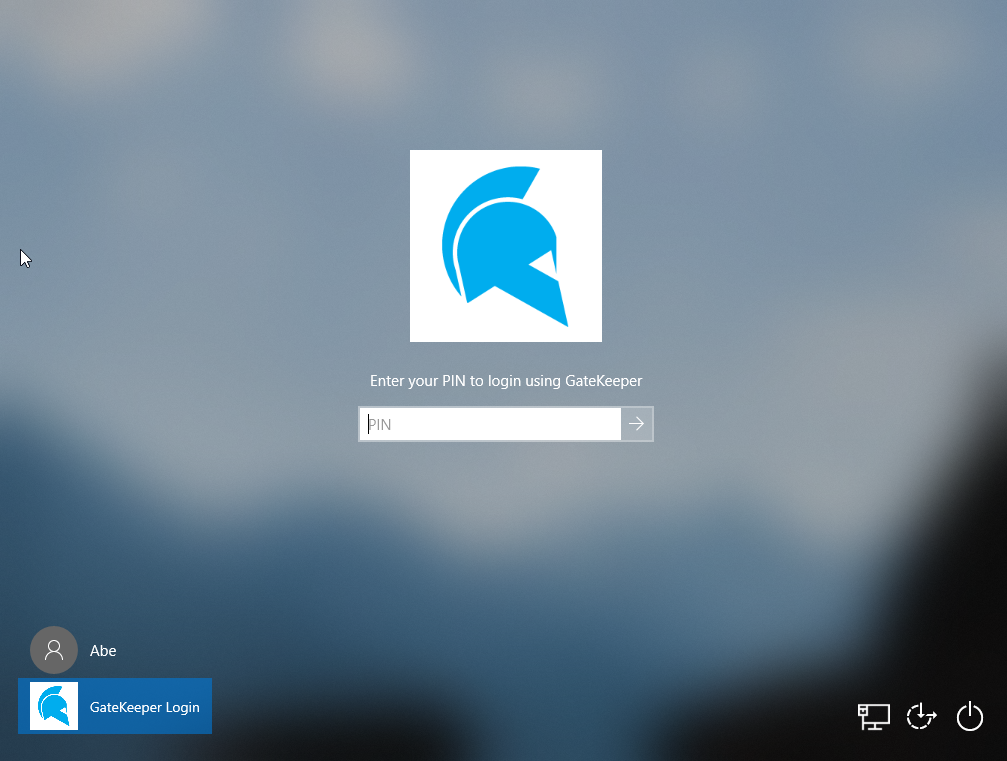
GateKeeper Proximity unlocks your computer based on the proximity of your GateKeeper token (Halberd or Trident app). You do not need to type your Windows password every time to unlock your computer. However, if you prefer a stronger security posture, you can require that users also type their Windows password in addition to having their GateKeeper token in order to unlock their computer. This can be enabled by choosing the appropriate option for the Require user to enter Windows password setting.
There are three choices for this setting.
1. Never: Choosing this option means that GateKeeper will unlock your computer without requiring you to type in your Windows password on the login screen. This is the preferred method while using GateKeeper as your authentication mechanism.
2. At Logon Only (While Logging in): You must manually type your Windows password while logging into the computer for the first time. You will not be asked to type your Windows password while unlocking the computer, but only when you are logging on to it.
3. At Logon and Unlock (While Unlocking): Requires you to manually type your Windows password EVERY TIME you log in or unlock your computer.
*Important: Your GateKeeper token must be close to the computer whenever logging in, since GateKeeper authentication happens before this option comes into play.
This option is only available for enterprise users and can be set directly from the GateKeeper Hub server.
From the GateKeeper Client desktop application:
1. Open your GateKeeper Client application on your PC by pressing the Windows key on your keyboard and start typing "GateKeeper".
2. Click Settings.
3. Click Unlock Settings.
4. Go to Enter Windows Password.
For any additional questions or concerns regarding proximity settings, computer locking, credential management, or compliance, please contact GateKeeper Enterprise support using the Support Ticket form on https://gkaccess.com/support/ or email support@gkaccess.com.
-------------------------------
type windows password; require windows password; What is the "Require user to enter Windows password" setting?;
Comments
0 comments
Article is closed for comments.