
Login with Windows password and auto-lock with GateKeeper Proximity
GateKeeper Proximity can be set to only lock and not login. By default, GateKeeper does not prevent users from logging in with their Windows username and password. If this option is kept enabled by the admin, users can still login to their computer by typing their Windows credentials. Also, by default, GateKeeper automatically locks computers when users walk away. So, users can login with their Windows password and then walk away with their token to automatically lock the computer.
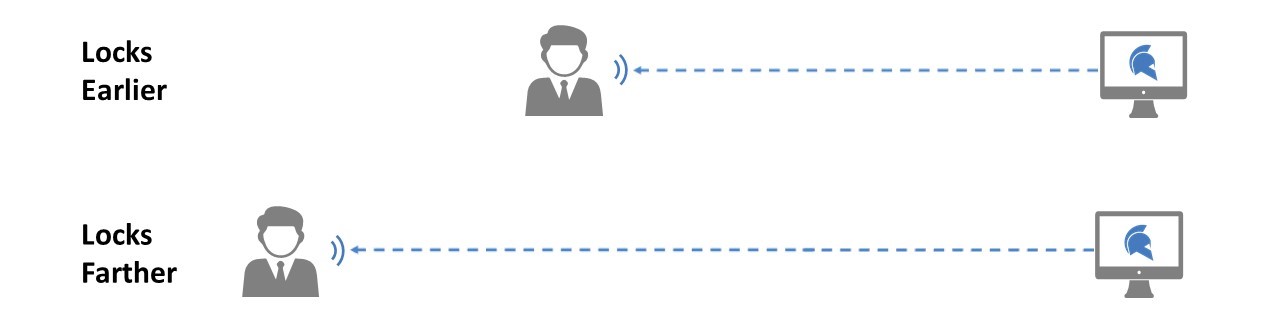
For any additional questions or concerns regarding locking, logging off, proximity settings, credential management, or compliance, please contact GateKeeper Enterprise support using the Support Ticket form on https://gkaccess.com/support/ or email support@gkaccess.com. Lock or log off automatically when you're away from your computer.

------------------------------------------
No unlocking, just locking; GateKeeper so that it simply locks our computer?; Set GateKeeper to lock and not unlock; Set GateKeeper to lock without unlock; Set GateKeeper to lock without unlocking; Set GateKeeper to only lock and not unlock; only locking; just make GateKeeper lock; make GateKeeper only lock and not unlock; I don't want to log in with GateKeeper; I don't want GateKeeper login; only lock mode; set lock only;
Comments
0 comments
Please sign in to leave a comment.