
GateKeeper® Proximity Components.
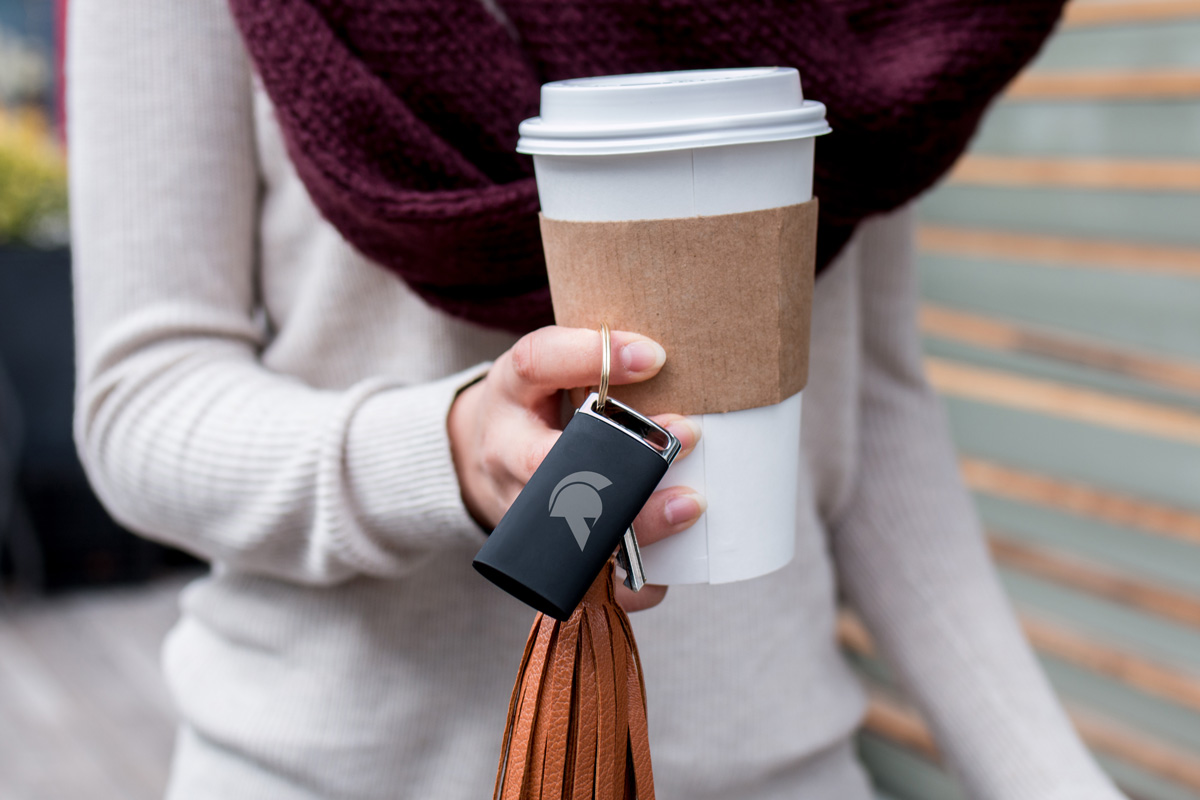
GateKeeper Halberd key fob
The Halberd proximity token is your wireless key to your computer and website - a password caddie. GateKeeper Halberd is a wireless Bluetooth low-energy hardware token (wireless key fob) that provides fast and secure access to your computer and websites. It works alongside the GateKeeper Client application to determine the proximity of the user to their computer and allows the application to log on and off the computer (and websites) based on presence automatically.
The dimensions of the GateKeeper Halberd token are 3.25" L x 1.5" W x 0.5" H.
It comes with a rechargeable version using a USB-C cable.
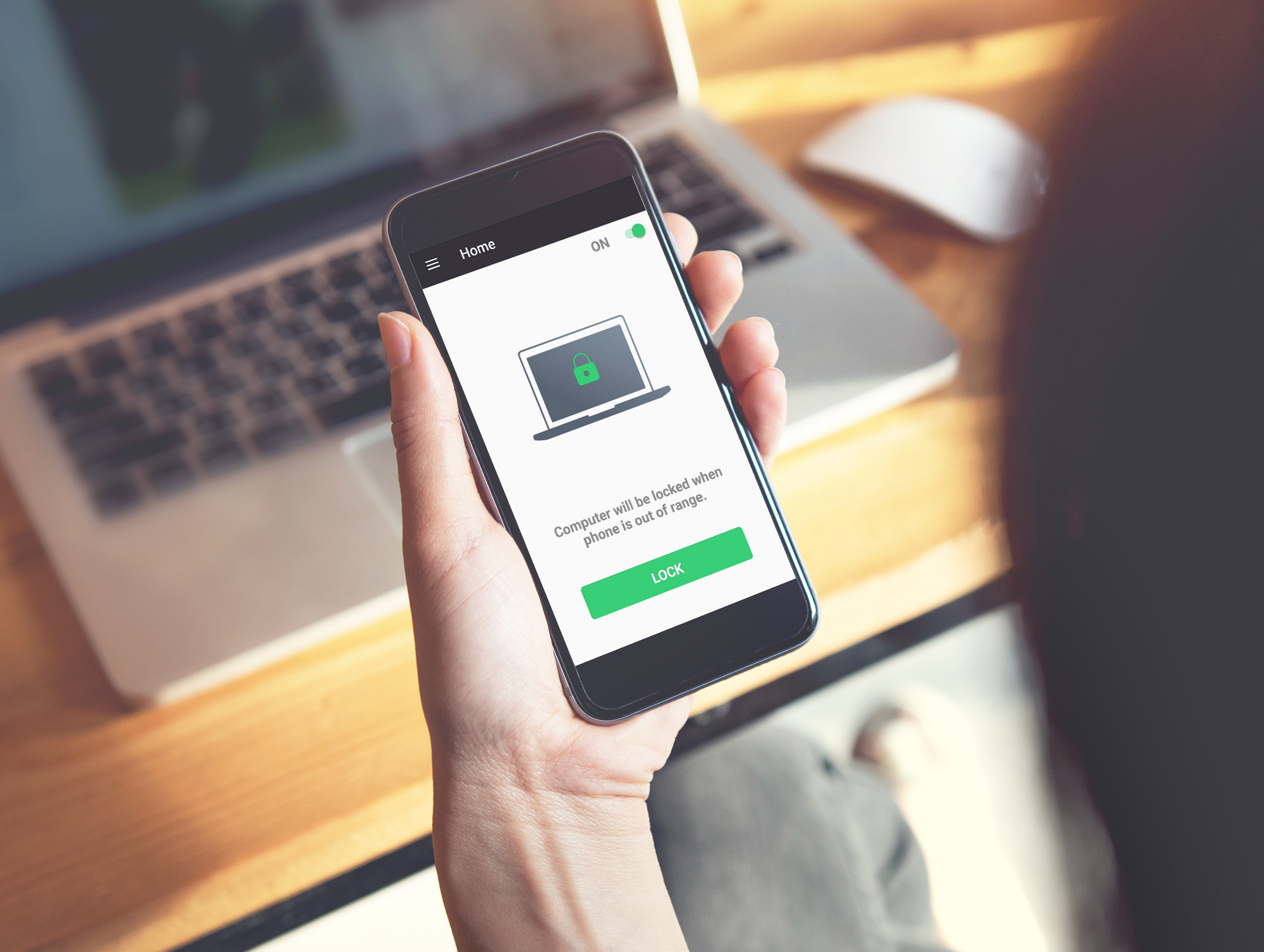
GateKeeper Trident Android app
GateKeeper Trident is a smartphone application that turns your phone into your software authenticator token that allows you to access and secure your computer and web passwords without the inconvenience of memorizing and typing passwords. It pairs your phone to the GateKeeper desktop application and can lock/unlock your computers and websites based on your phone's (soft token) proximity. Download for free from the Google Play Store.
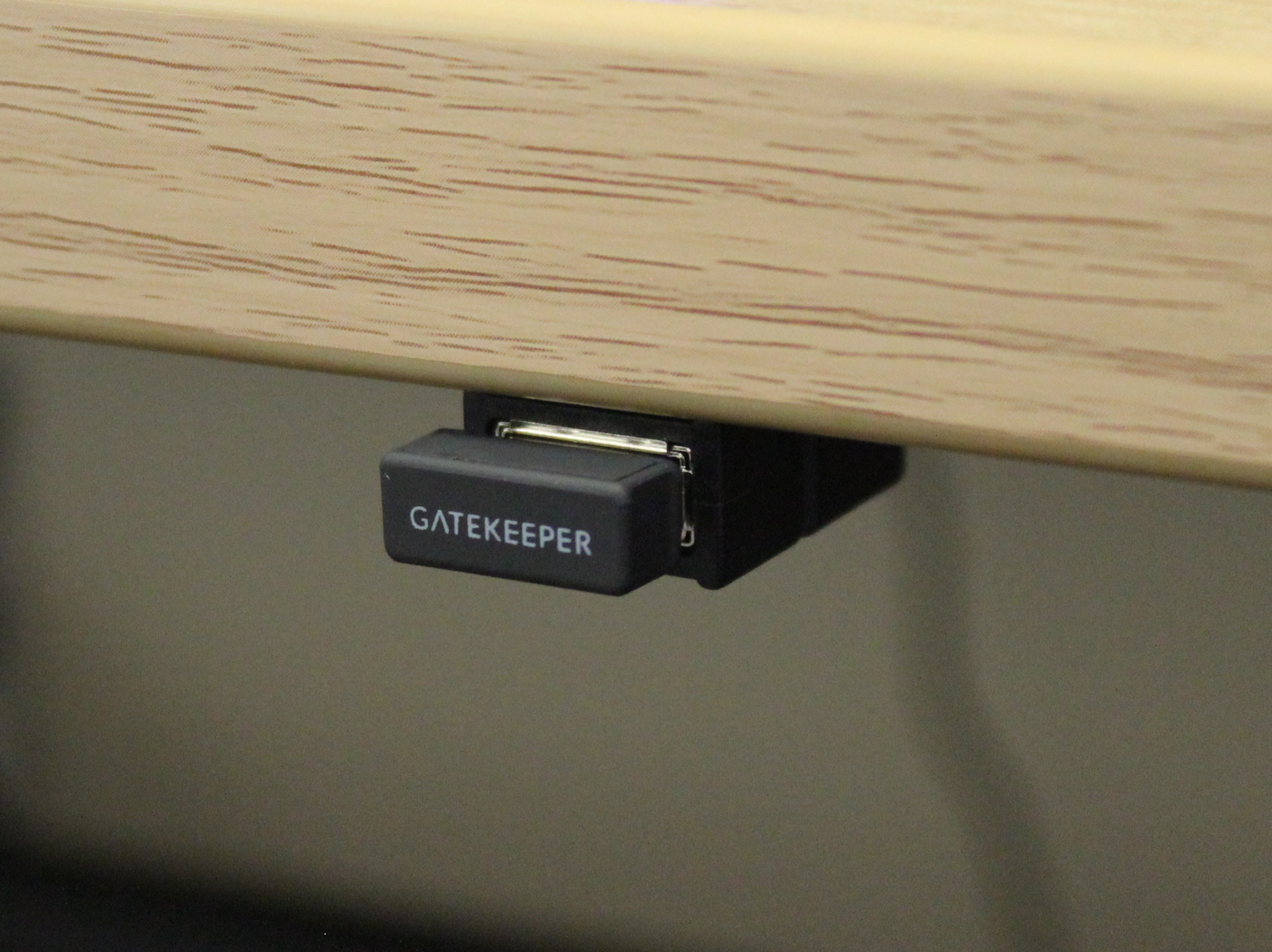
GateKeeper USB proximity sensor
The GateKeeper USB receiver comes with every GateKeeper Halberd token. To ensure the most optimal automated proximity authentication experience, it is highly recommended that GateKeeper USB sensors (receivers) be used instead of a PC's internal Bluetooth. This is because different computers have different Bluetooth chips placed in different areas. One computer's Bluetooth signal will be stronger than another. This will create erratic lock and unlock events. This can be avoided by using GateKeeper USB proximity sensors.
GateKeeper Client desktop application software
The GateKeeper Client desktop application software pairs the GateKeeper token (key) to the user’s credentials (domain/local, web). Once connected to the user’s token, the desktop application automatically locks/authenticates the computer based on the user’s proximity.
GateKeeper Hub admin console
The GateKeeper Hub is the admin command center that allows you, as the GateKeeper administrator, to implement policies on the network. Once you buy a license subscription from the customer portal, you will be prompted to either choose the cloud or on-premise version of the Hub server software.

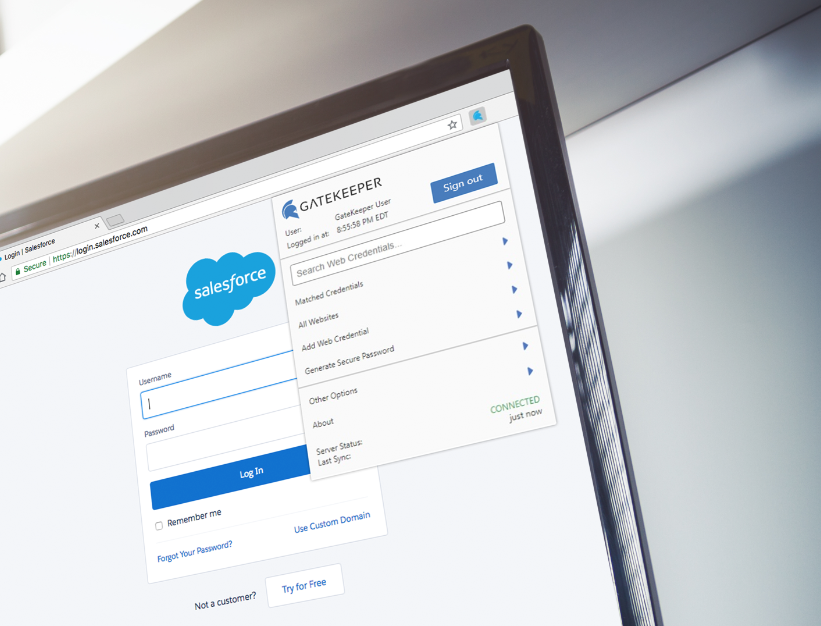
GateKeeper Password Manager for web browsers
The GateKeeper Enterprise password manager utilizes continuous authentication through presence-detection to ensure that the user is always present when using their password manager. Other password managers simply lets the user log in once and gives them access to all of their passwords - the same vulnerability policies are trying to avoid.
GateKeeper customer portal for billing and invoices
The GateKeeper Customer Portal is where admins can purchase and access their GateKeeper licenses for enterprise and download enterprise software.
*The login used for the GateKeeper portal and the GateKeeper Hub are different.

For any additional questions or concerns regarding your mobile authenticator app, proximity settings, computer locking, credential management, or compliance, please contact GateKeeper Enterprise support using the Support Ticket form on https://gkaccess.com/support/ or email support@gkaccess.com.

--------------
GateKeeper components; parts of GateKeeper; gatekeeper parts; gatekeeper software; gatekeeper hardware list; GateKeeper Proximity softwares; GateKeeper Enterprise software parts;
Comments
0 comments
Please sign in to leave a comment.