
Types of Tokens: GateKeeper Proximity.
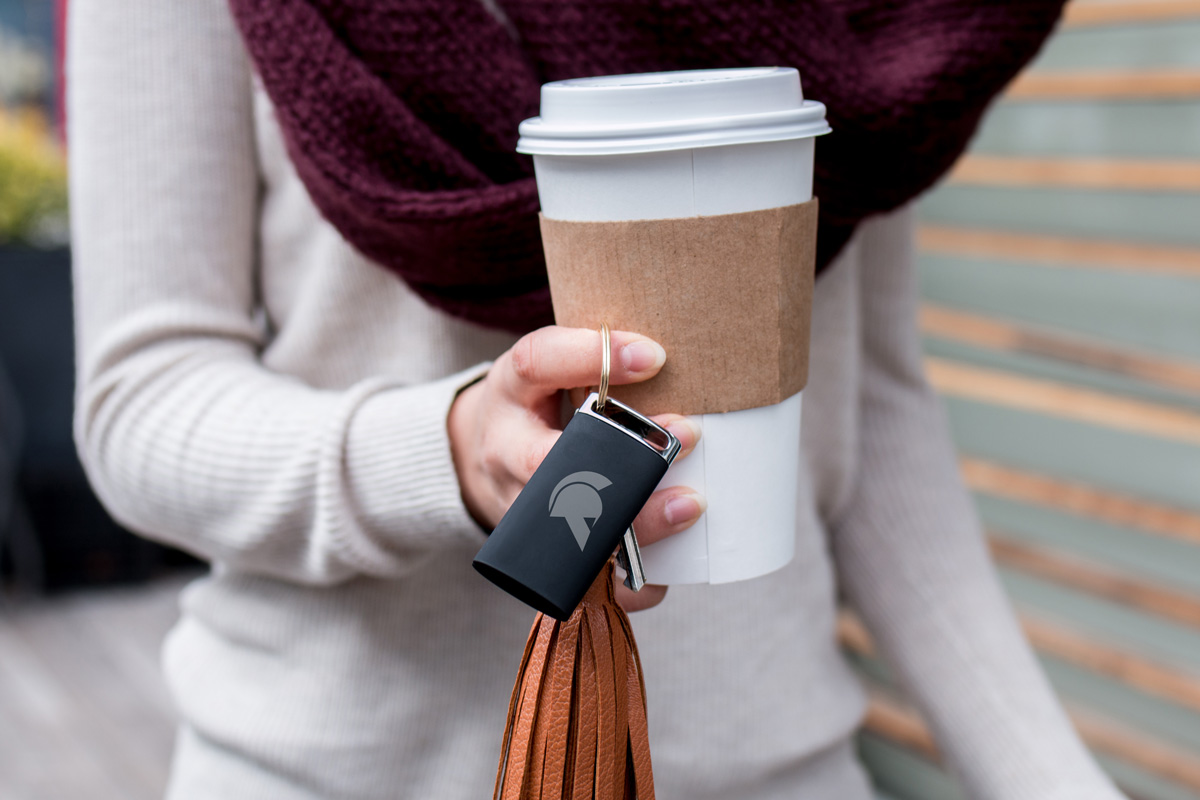
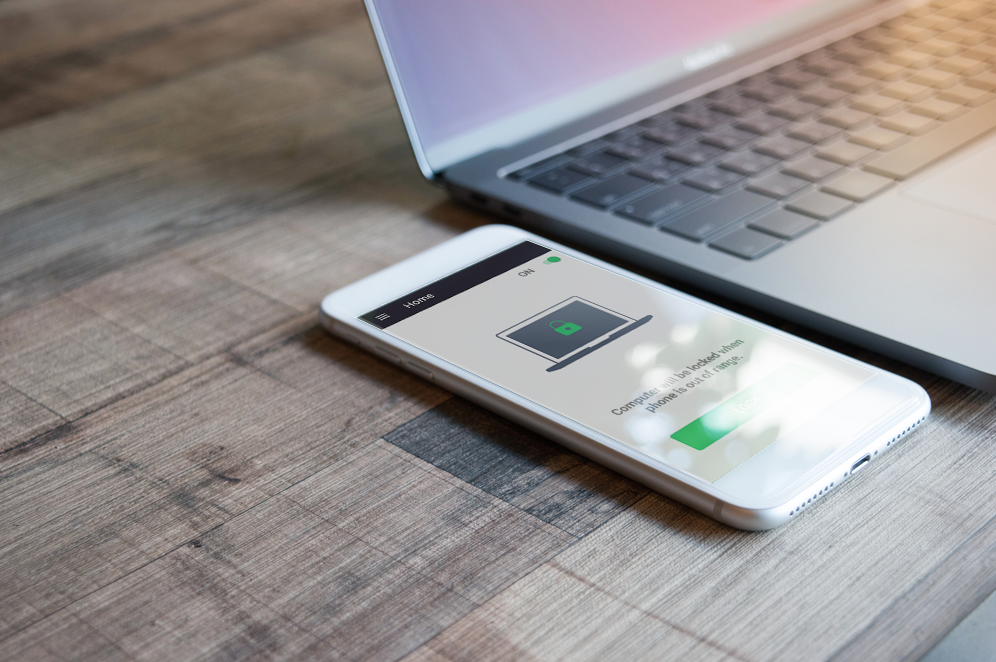
GateKeeper proximity has two tokens: The GateKeeper Halberd hardware token and the GateKeeper Trident software token. The GateKeeper Halberd is a standalone physical key fob used to authenticate users into their computers, websites, and software. The free GateKeeper Trident mobile app turns your Android phone into your authenticator to log into computers, websites, and software.
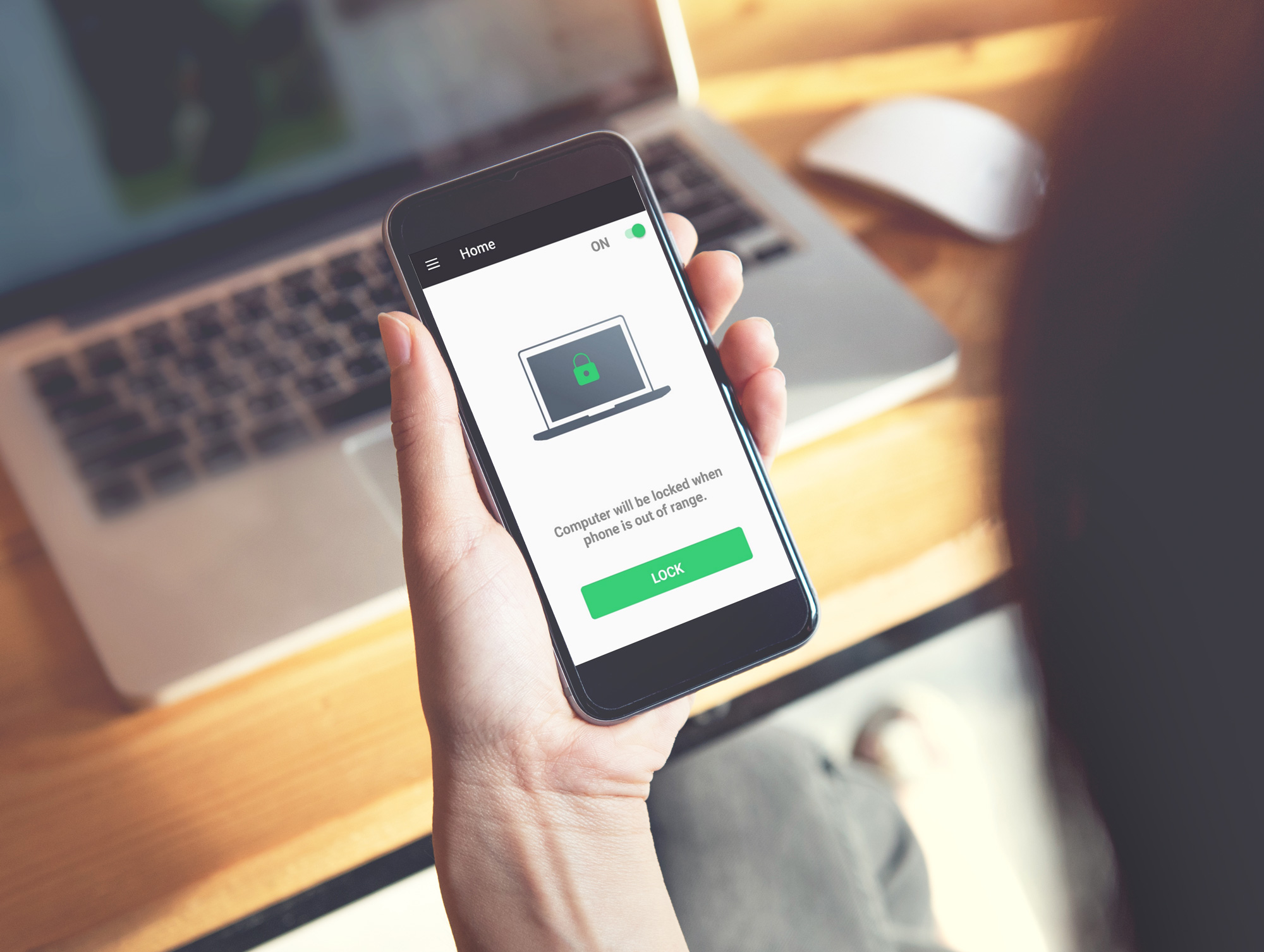
Authenticator 1: GateKeeper Halberd token
Authenticator 2: GateKeeper Trident mobile app
The following changes only affect the iOS users using GateKeeper Enterprise Client version 3.11.31:
The GateKeeper Trident iOS app will no longer offer the continuous authentication and proximity lock functions. These functions are not available in iOS due to certain iOS restrictions that prevent Bluetooth from running in the background consistently. Specifically, you will need to either manually lock the computer (Pressing Windows Key + L) or implement a time-out policy.
Unlocking a computer with an iPhone
The GateKeeper Trident iOS app will function similarly to the fingerprint reader and OTP login options.
The GateKeeper Trident app must be brought into the foreground with Bluetooth enabled on the iPhone. Then use any of the unlock methods enabled on the GateKeeper-enabled Client computer.
- Touch login
- GateKeeper + PIN
Remember, when leaving your workstation, remember to lock the computer by pressing Windows key + L or make sure you have an inactivity timeout policy set by your admin.
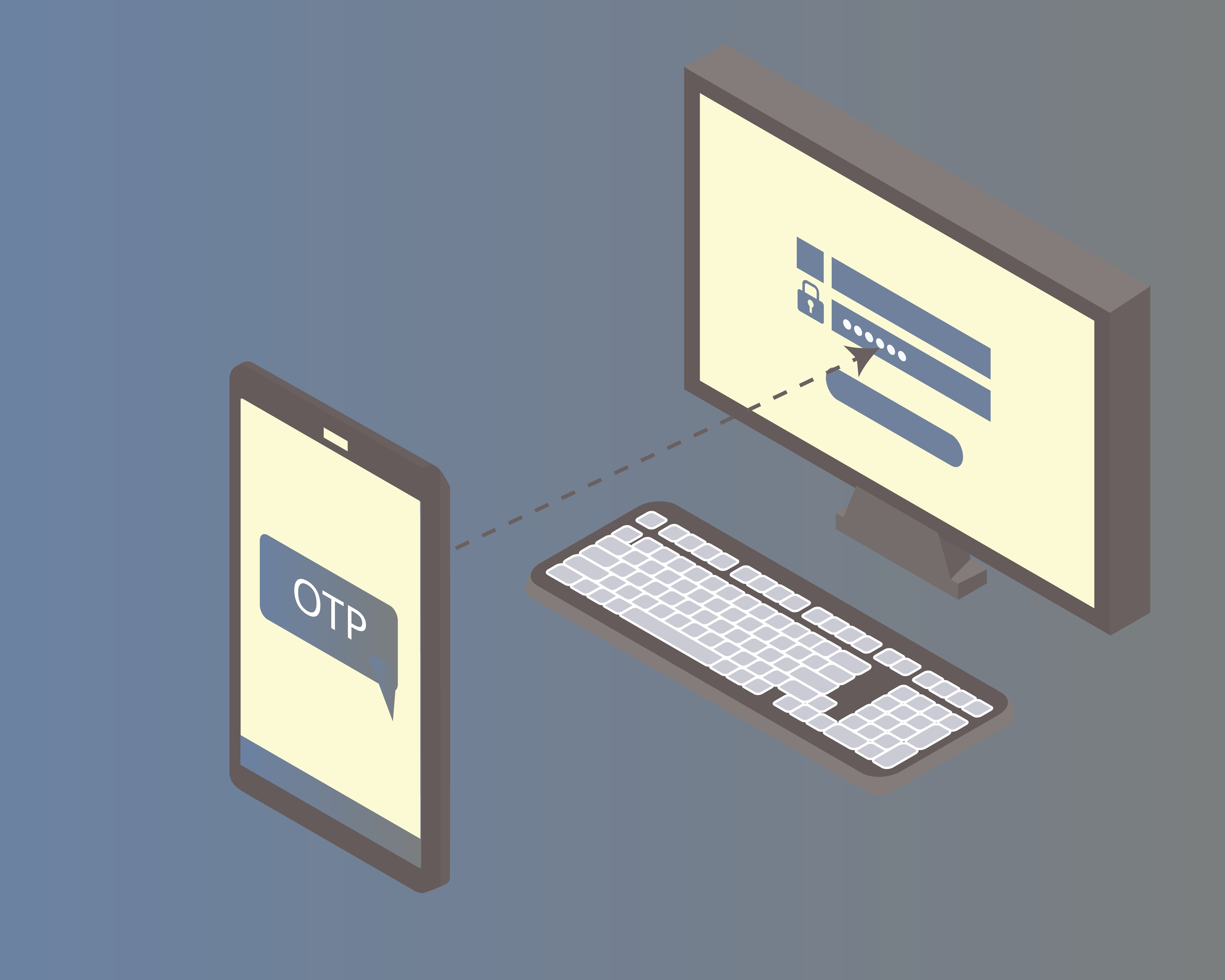
Authenticator 3: One-Time Passcodes (OTP)
Admins can allow users to log in with an OTP code from their Android or iPhone. Users will have to set up an OTP using Google Authenticator, Microsoft Authenticator, or any other OTP app on their phone. At login, the user will type in their email address and the OTP code from their phone's authenticator app to log in.
Authenticator 4: NFC/RFID Smartcard
GateKeeper Proximity allows admins to utilize Near-field communication (NFC) cards can be used as the authentication token by using compatible NFC card readers.
Valid Cards:
Currently, NFC (13.56Mhz) cards from the MIFARE Classic family (1k and 4k cards) and RFID (125khz) can be used as valid GateKeeper authenticators.
Specs: A static UID is required for GateKeeper authentication; a dynamic UID is not going to work for us.
If the AES128 card blocks the ability to read the UID, then it will not work with GateKeeper.
If you are uncertain about compatibility, our support team can assist with verification. Click here to contact GateKeeper Support.
Card Readers:
- NFC: ACR122U
- NFC: HID Global Omnikey 5022 CL
- NFC & RFID: HID Global Omnikey 5427 CK
- NFC & RFID: Elatec TWN4 MultiTech
If you have any further questions, IT problems that need to be addressed, or compliance problems that need to be solved, please visit www.gkaccess.com or contact us at info@gkaccess.com or (240) 547-5446 to see how GateKeeper Enterprise can automate digital security for your end-users and admins.
--------------------------------------------------------------------------------------------------------------------------------------------
Set up a token; GateKeeper authenicator tokens; how to use tokens to log in to computer; use a token to login to PC; secure token unlock; personal access tokens; authentication methods; enabling token-based authentication; two-factor authentication methods; all token types for GateKeeper; proximity token types; types of proximity tokens; how to use your phone to login to PC; using phone to login to PC; phone computer login; token types for PC login; proximity key fobs; proximity key fob types; windows login tokens; windows log in token; mac login token; windows proximity login token; windows proximity login key fob; wireless login key fob; what kind of key fob do I have?; how can I tell what gatekeeper version I have?; list of tokens I can choose from; token options for GateKeeper Proximity; iphone OTP login;
Comments
0 comments
Please sign in to leave a comment.