
GateKeeper Client application for End User Computers.
Yes, the GateKeeper Halberd and GateKeeper Trident keys can lock/unlock only if the GateKeeper Client desktop application is running on your PC/Mac.
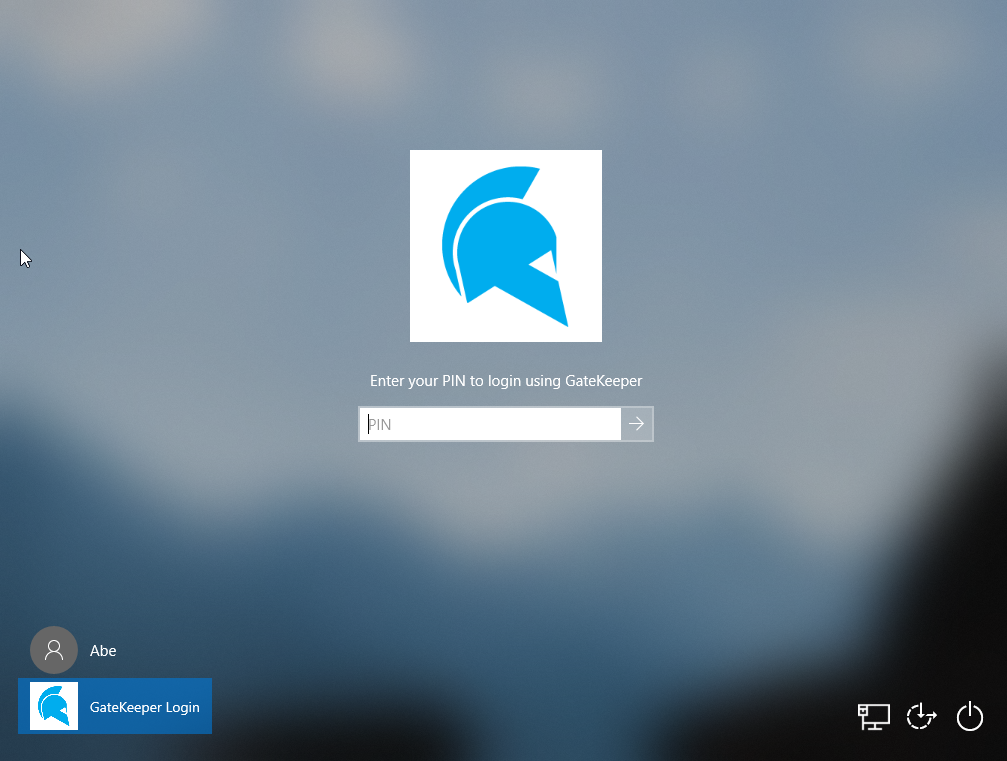
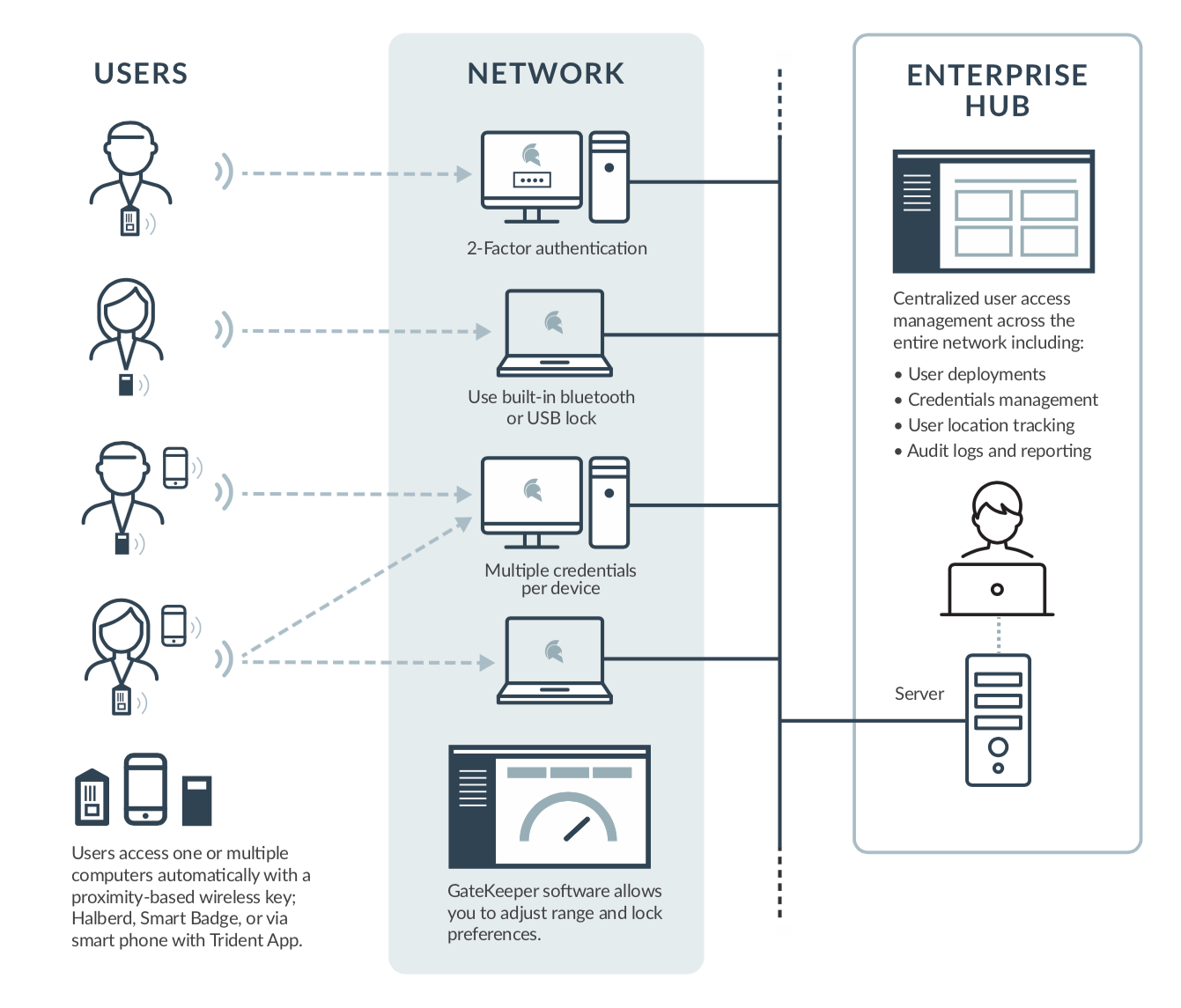
GateKeeper Proximity has 2 different software requirements depending on whether it is a single-user setup (no network) or a multi-user enterprise setup on a network.
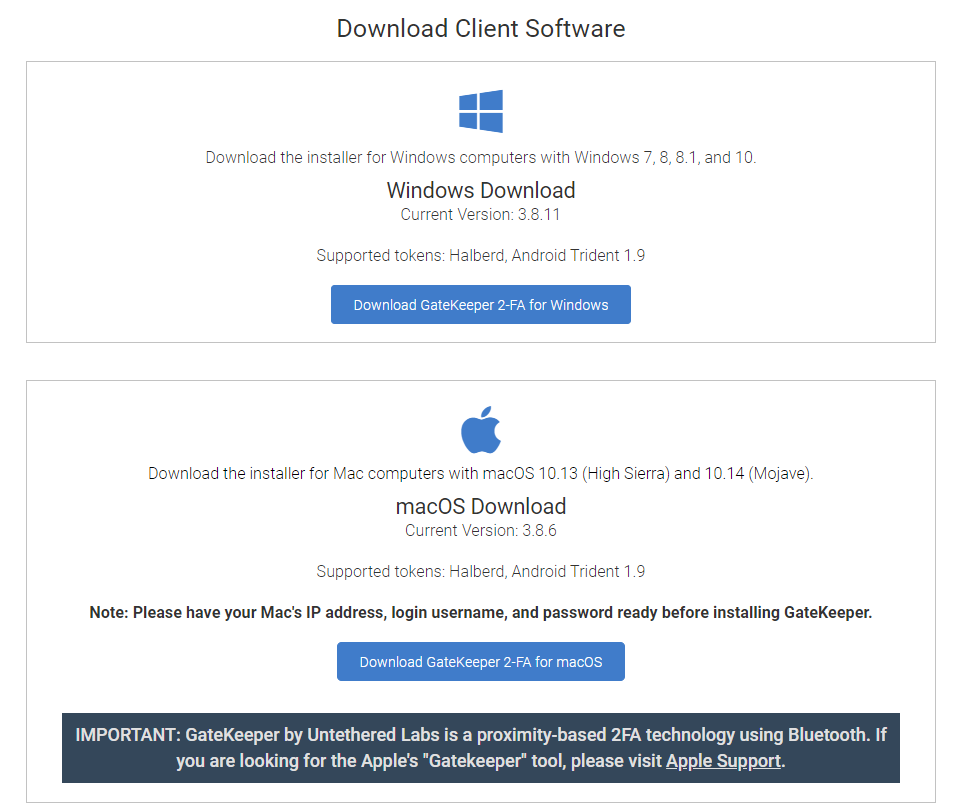
A) Single-user software download
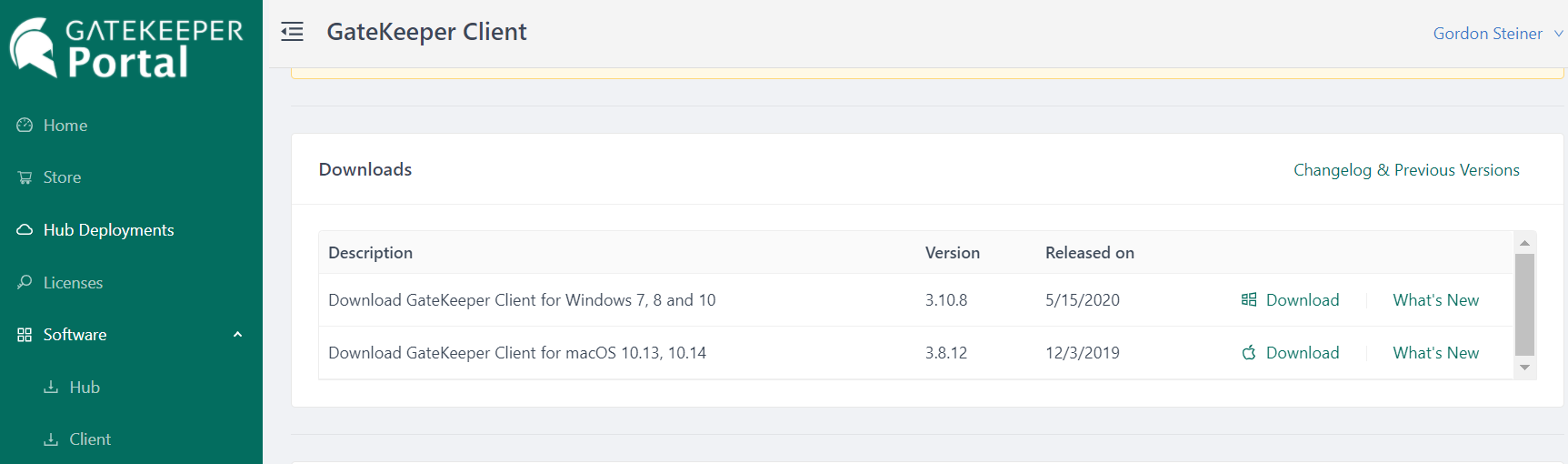
This setup only requires the user to download the GateKeeper Client application (Windows or Mac) - on their computer.
| 1 | Free individual user Client application version: | Link to Download |
or B) Multi-user Enterprise software download
For GateKeeper Enterprise, the admin requires the GateKeeper Hub to be set up (cloud or installed on-premise). Then, every computer that will use GateKeeper must have the GateKeeper Client application software (multi-user).
| 1 | GateKeeper Hub admin console setup | Link to Set Up |
| 2 | GateKeeper Client Application for end users | Link to Download |
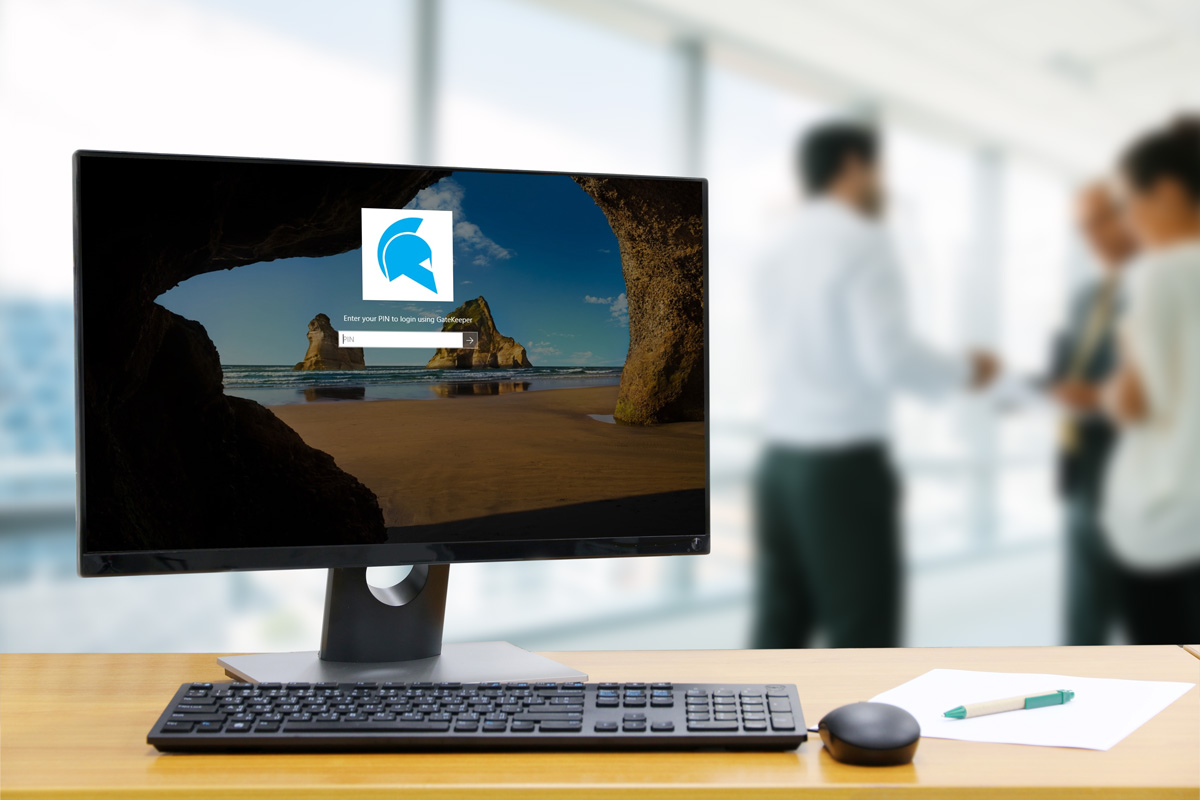
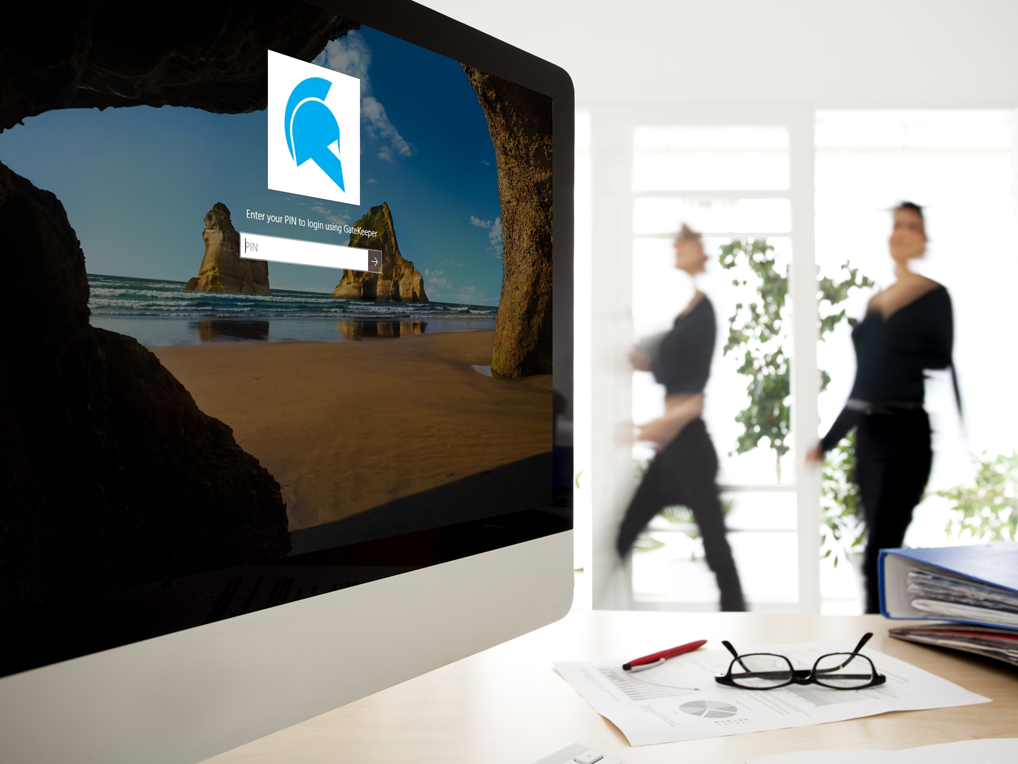
GateKeeper Client application on employees' computers locking workstations automatically, wireless:
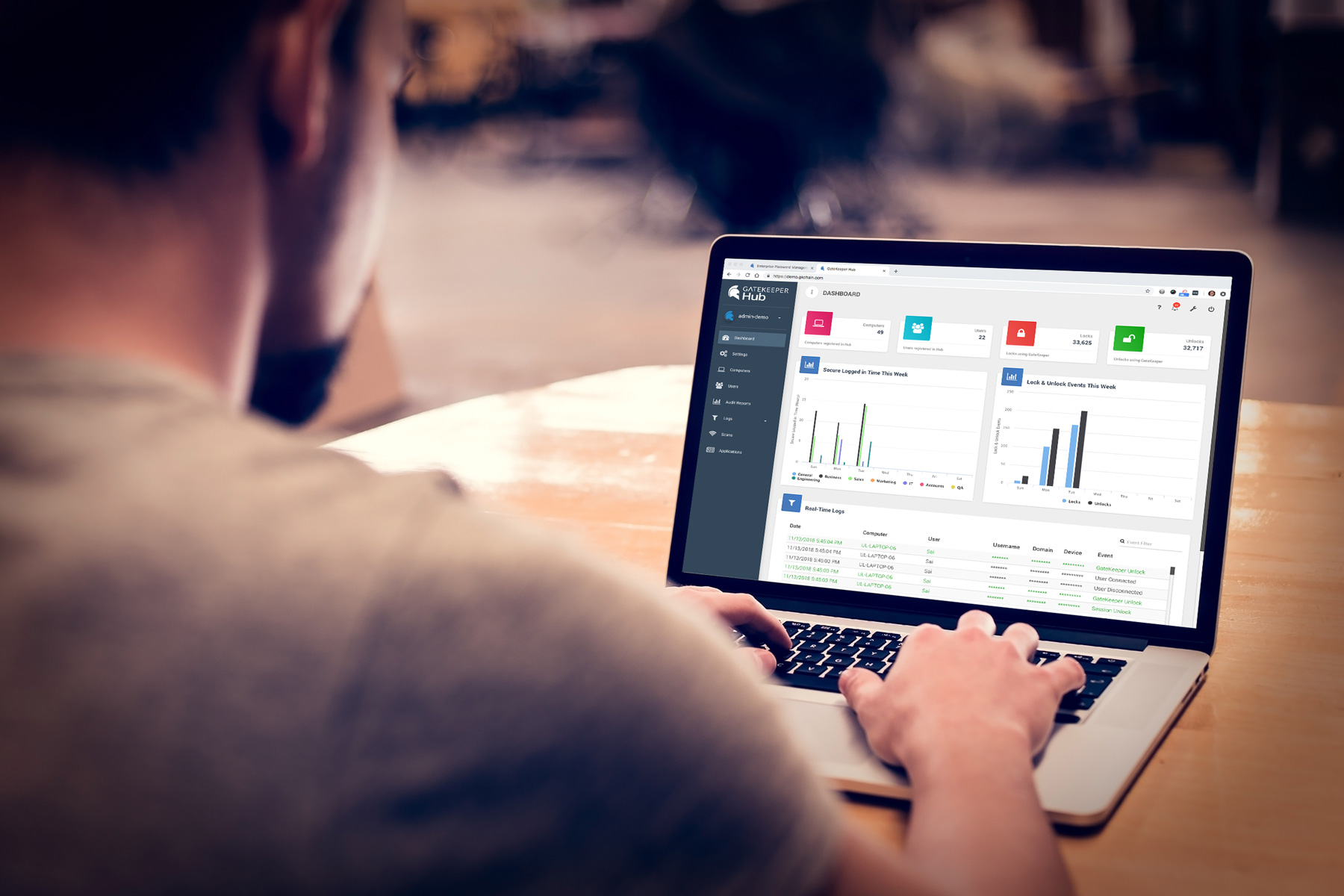
GateKeeper Hub admin console being used by an admin to manage employee access and passwords:
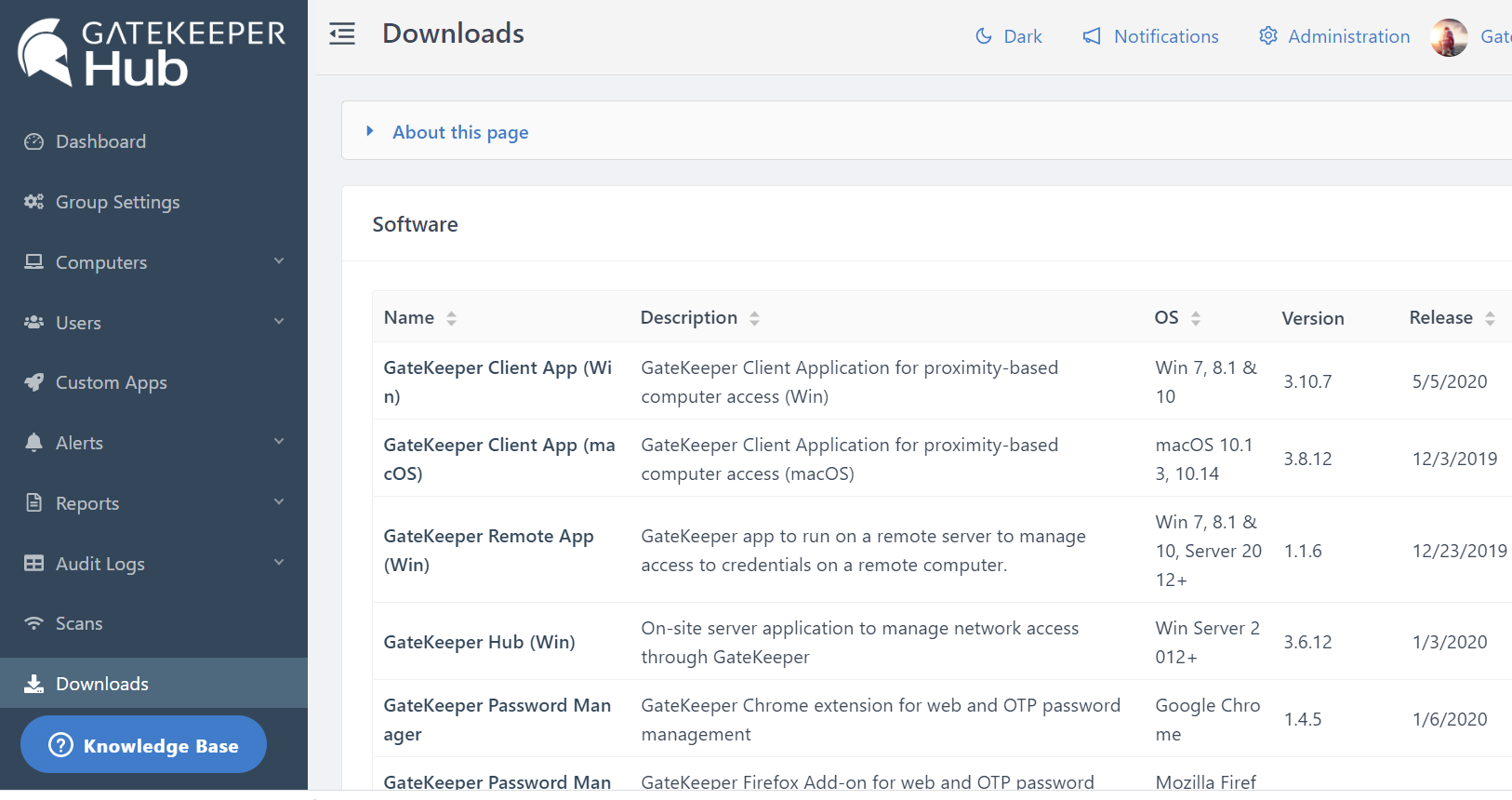
The software is also available in the GateKeeper Hub, in the Downloads tab:
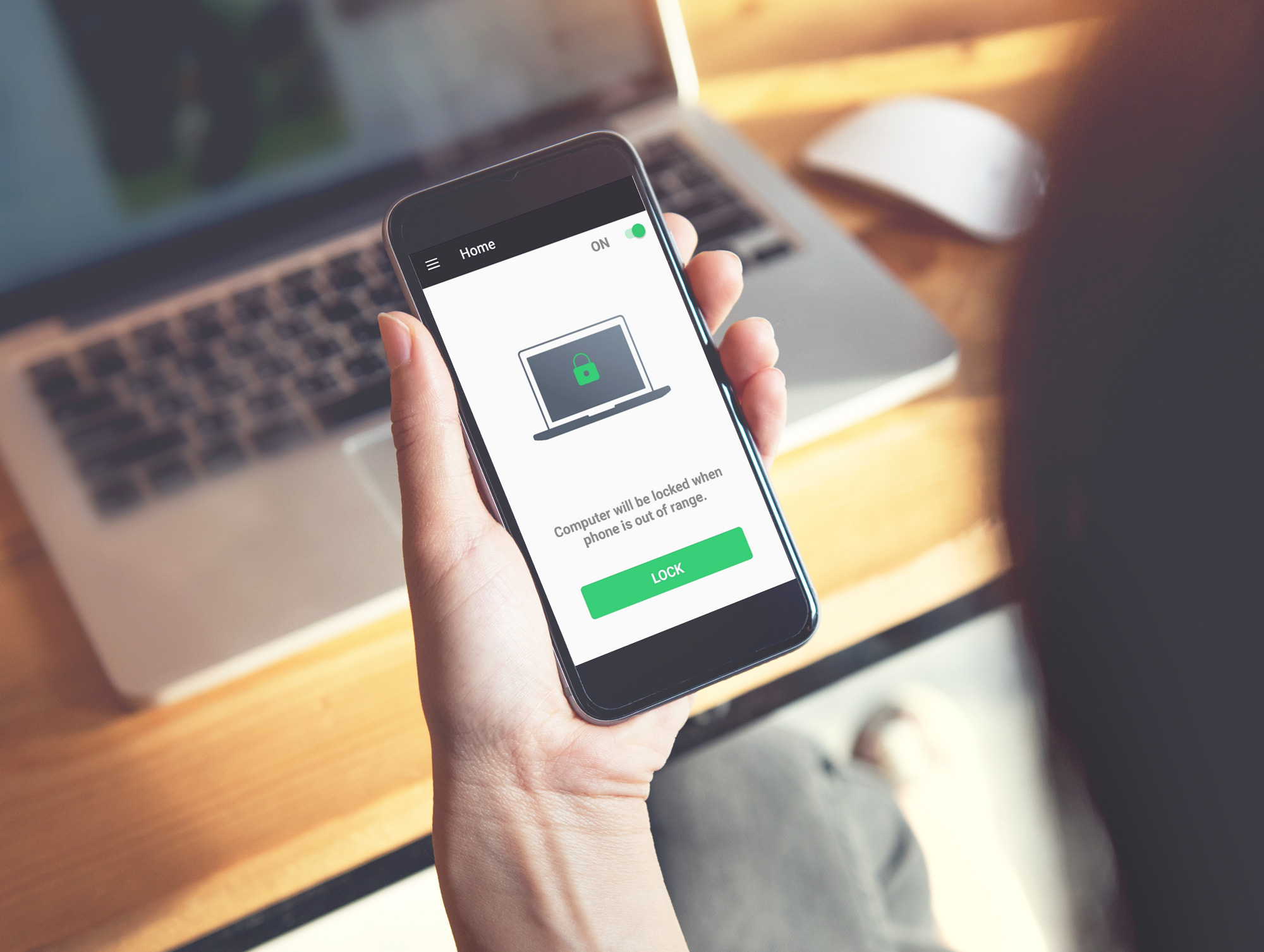
Additionally, the GateKeeper Trident app (soft token) is also available to download for free on the Google Play Store if you would like to use your smartphone to be your proximity key to login to your computer and websites.
For any additional questions or concerns regarding proximity settings, computer locking, or credential management, or compliance, please contact GateKeeper Enterprise support using the Support Ticket form on https://gkaccess.com/support/ or email support@gkaccess.com.
--------------------------------------------------------------------------------------------------------------------------------------------------------------
GateKeeper software for my computer do I need?; required software for gatekeeper; software for end user client gatekeeper; do I need to install the Client?; software requirements for proximity login authentication; downloading GateKeeper; where to download GateKeeper software; software download page;
Comments
0 comments
Please sign in to leave a comment.