
Note: This feature is only available on the GateKeeper Retail version (single-user version).
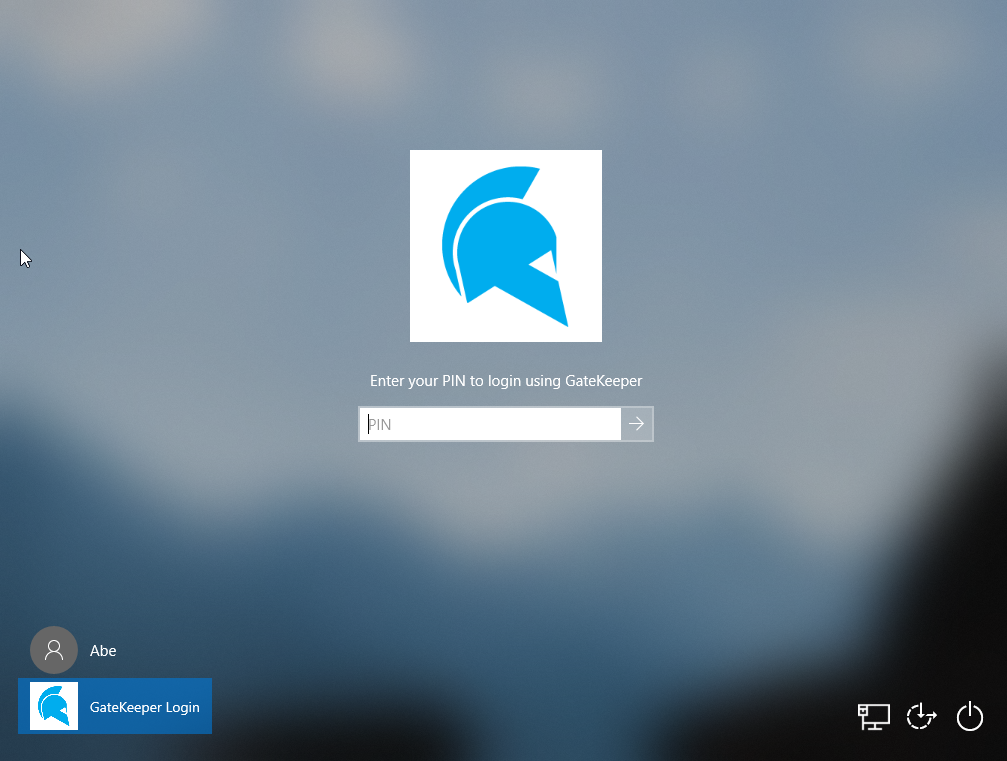
If your GateKeeper is set to automatic unlock/login, and it is not working, please follow the directions below. If you just turned on your computer, it will take a few seconds for all programs to come online, including GateKeeper - please be patient while it loads.
1. Please make sure that your Unlock Method is set to "Automatic Login" in your Settings for GateKeeper.
To check:
- Open your GateKeeper Client desktop application.
- Navigate to the Settings tab in the bottom left corner.
- Under Unlock Settings, go to the Unlock Method section, select the Automatic Login option.
- If Automatic Login is selected, please make sure your user profile has permission to access that particular computer. Please contact your administrator to check.
- If you are not the only user profile allowed on this computer, then Automatic Login will only work if GateKeeper detects only your key in range - if other keys nearby are detected, the system will not know which user profile to automatically log in and instead present them all as options.
2. If you are using the Trident app, please make sure that both your phone's Bluetooth and the Trident app are turned on.
To turn on the Trident App:
- 1. Open the Trident App
- 2. On the top right, toggle the ON/OFF switch to ON.
(The Trident app icon should appear at the top of your screen)
3. Your Halberd may be out of battery.
To check to see if your Halberd is out of battery:
1. Press and hold the lock button for 3-5 seconds. If it doesn't beep, it ran out the battery.
2. Use the USB-C cable charger to charge the token for 5-10 minutes.
If you have a battery-powered GateKeeper token, please replace the token's battery with a new CR2450 3V lithium coin cell battery.
If you have any other questions regarding how to log in and log out of your PC using proximity authentication, please read more at www.gkaccess.com or contact us at info@gkaccess.com.
------------------------------------------------------------------------------------
GateKeeper not unlocking; "Auto login not working"; "Automatic unlock not working"; "Auto-unlock did not work"; gatekeeper not unlocking automatically on it's own; gk not unlocking pc; computer not unlocking automatically; no auto-unlock does not work; auto unlock not working; my device stopped working; not working;
Comments
0 comments
Please sign in to leave a comment.