
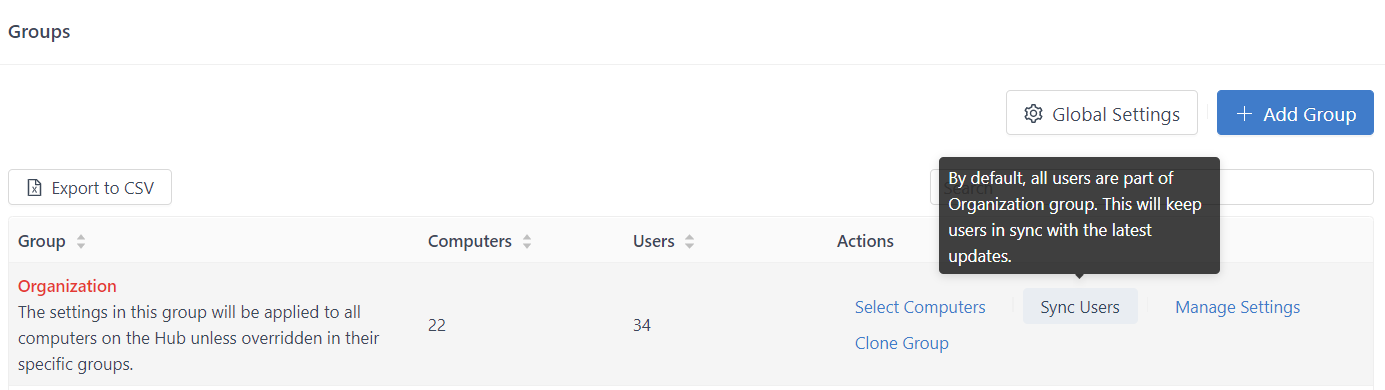
The Sync Users button will ensure that any new users added to the GateKeeper Hub are made part of the Organization group. While the Hub server automatically adds every new user to the Organization Group, the Sync User button refreshes the groups to ensure that every GateKeeper User is part of the Organization group, just in case for whatever reason, the auto-sync did not complete.
Hover over the Organization Group and click Sync Users.
For more information on how GateKeeper combats password sharing, please visit www.gkaccess.com or contact us at support@gkaccess.com.

---------------------------
Syncing users; syncing data; hub syncing; sync users; sync passwords;
Comments
0 comments
Please sign in to leave a comment.