
Learn how to access and manage your authentication preferences within the GateKeeper Hub dashboard. This guide will help you navigate the global settings to customize login methods for your users effectively.
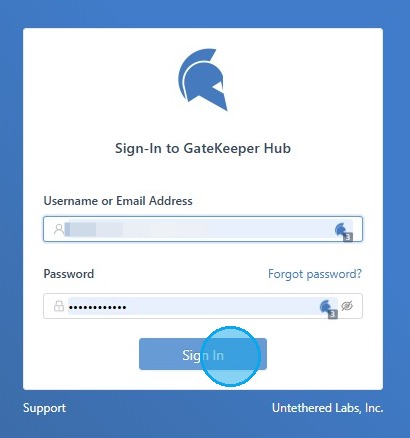
1. Log in to the GateKeeper Hub.
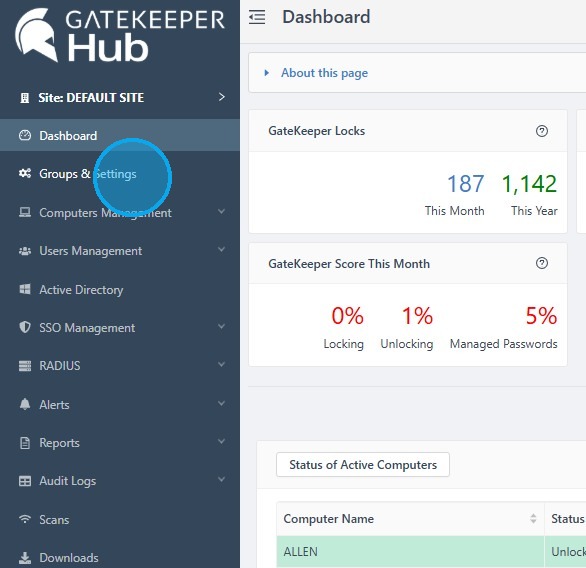
2. Select "Groups & Settings" from the sidebar menu.
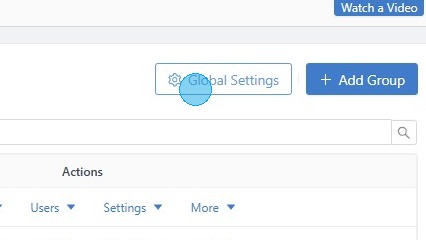
3. Click "Global Settings".
4. Under "Global Authentication Method", click the drop-down menu and select the NFC and RFID Cards option.
After that, click "Save Changes" at the bottom.
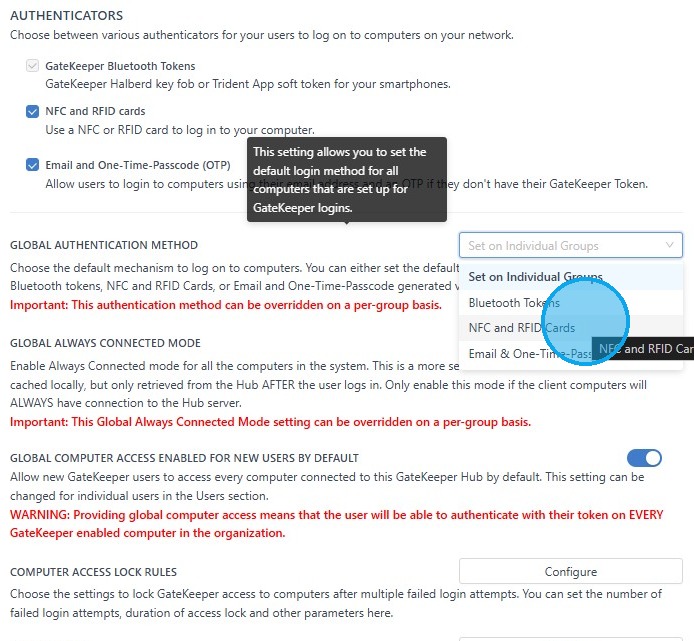
Now, your primary authentication method will be the NFC or RFID cards.
For any additional questions or concerns regarding faster 2FA, proximity settings, computer locking, password management, or compliance, please contact GateKeeper Enterprise support using the Support Ticket form on https://gkaccess.com/support/ or email support@gkaccess.com.
Comments
0 comments
Article is closed for comments.