
When putting the computer in sleep mode, shutting the computer down, or restarting the computer, GateKeeper will not be affected - when you turn the computer back on, the GateKeeper service will start and be available at the login screen.

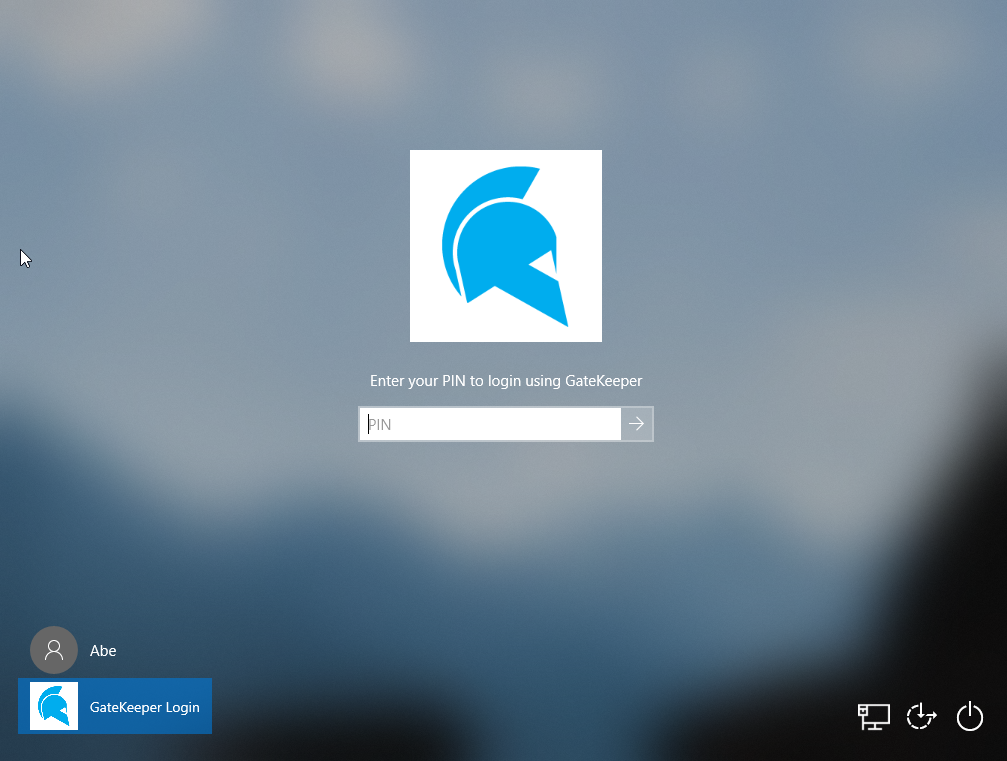
After a restart or shut down, the GateKeeper service may take a moment or load. Please be patient until the GateKeeper icon loads on the log in screen.
For any additional questions or concerns regarding cybersecurity, proximity settings, computer locking, credential management, or compliance, please contact GateKeeper Enterprise support using the Support Ticket form on https://gkaccess.com/support/ or email support@gkaccess.com.
-------------------------------------------------------------------------------------------------------------------------------------------
GateKeeper hibernate; gatekeeper sleep; laptop lid close; computer sleeping; computer hibernate; Windows hibernation mode; Windows 10 hibernate; Windows 10 restarting; restarting PC; computer reboot; shut down computer; sleeping computer; PC restart; service restart on Windows; windows restart; Windows 11 lock solution; autolock windows 11 session;
Comments
0 comments
Please sign in to leave a comment.