
End User Welcome Kit - GateKeeper Enterprise.
After setting up the GateKeeper Hub admin console and adding users, the admin will distribute a GateKeeper token key fob and USB sensor to each user.
You will receive:
- 1x GateKeeper Halberd Hardware Token
- 1x USB Proximity Sensor
- 1x USB-C Charging Cable
- a temporary activation PIN for your token
- Which login option the users will log in with going forward
1. Plug the USB sensor into your computer's USB port. Use a USB extension cord to get the USB into a position where it will be in direct line of sight with your token.
2. Toggle out the power switch, You will hear a beep!
3. Your admin will have installed the GateKeeper Client software onto your computer and provided you with a temporary PIN for your token. Type your temporary PIN on the GateKeeper login screen.
4. If prompted, retype the temporary PIN at the top section, and create your unique PIN on the bottom section.
Lastly, when you hear the token begin beeping, it means the battery is low. Use the USB-C charging cable to charge your token for 5-10 minutes!
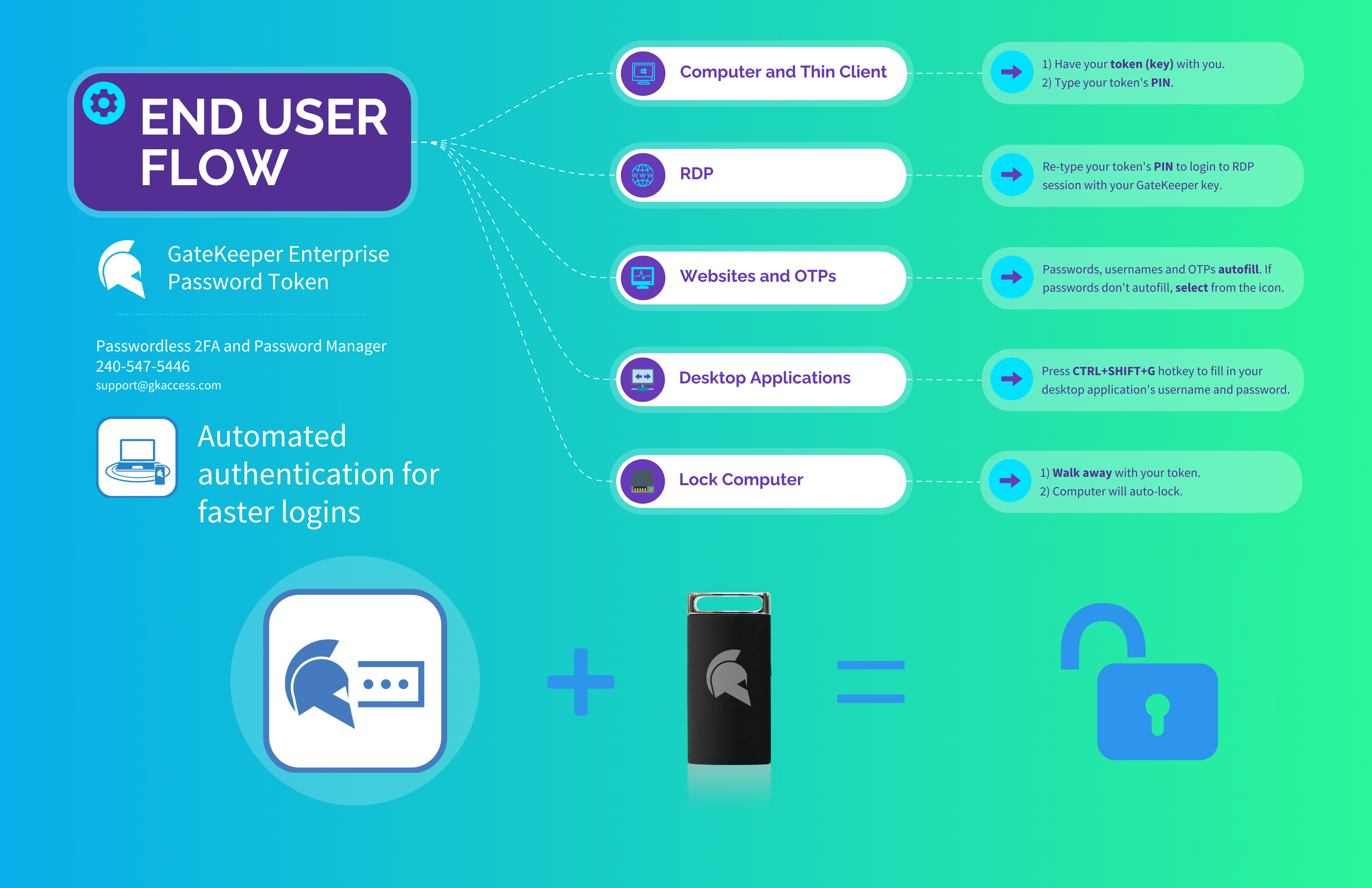
End users will see the GateKeeper icon on the login screen going forward. GateKeeper now automates cyber-safe behavior for end users at organizations.
The GateKeeper Client application installed on each user's computer will look like this:
Users can change any lock/unlock settings, add or remove passwords, and adjust lock/unlock range.
For any additional questions or concerns regarding proximity settings, computer locking, credential management, or compliance, please contact GateKeeper Enterprise support using the Support Ticket form on https://gkaccess.com/support/ or email support@gkaccess.com.
---------------------------------------------------------------------------------------------------------------------------------------------------------
GateKeeper software for end users; does the end user have to interact with the software?;l for enduser; end user onboarding; user provisioning; first time using GateKeeper token; first token login; first login event;
Comments
0 comments
Please sign in to leave a comment.